No More Room in Hell 2 Controls Guide
Master the compass, shove, and inventory rhythm before you risk a Responder.
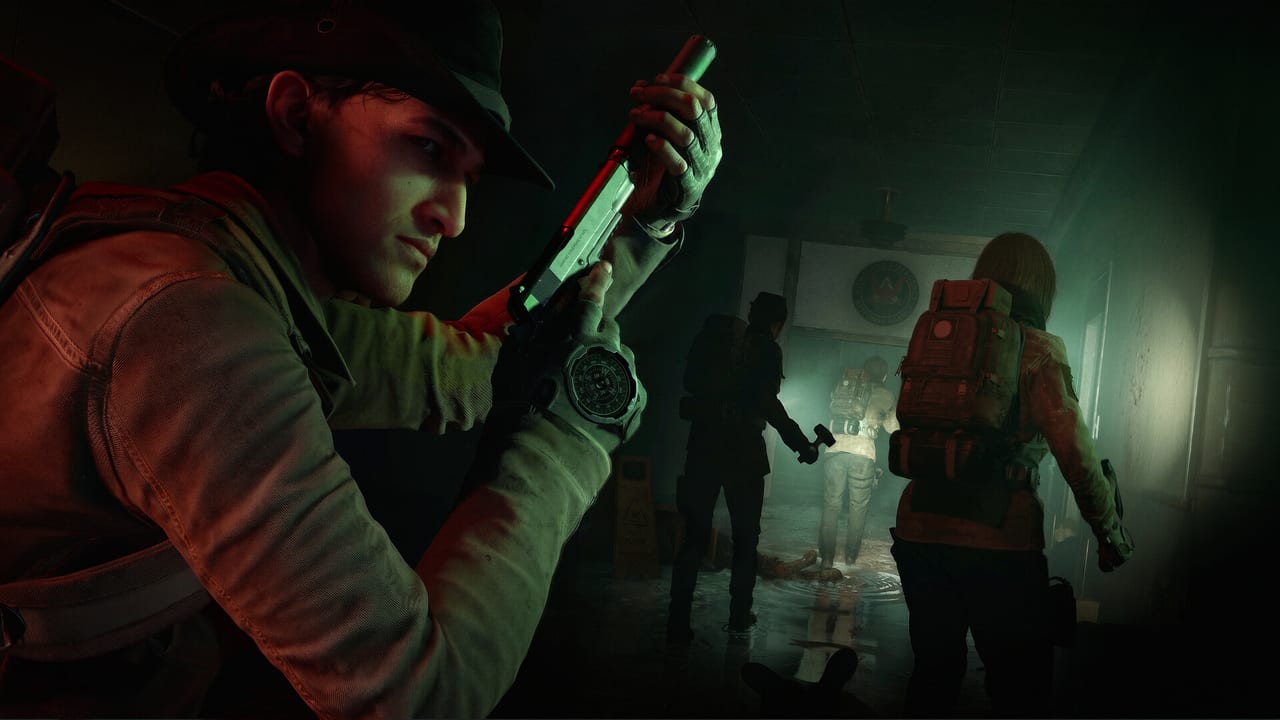
Clean inputs keep Responders alive in No More Room in Hell 2. After the Armageddon 1.0 launch on August 11, 2026, PC and console players share online eight-player co-op with cross-play, so your squad should speak the same language about movement, combat, and objective tracking. Remap freely, but learn the defaults first so callouts stay consistent across platforms.
Essential PC defaults
Movement uses standard WASD with sprint, crouch, and jump on familiar keys. Primary fire is left mouse; aim or secondary attack is right mouse. Melee rewards deliberate swings more than panic spam—charged melee hits matter when ammo is scarce.
Combat survival keys matter more than fancy loadouts:
- Shove / bash — default V. Break grabs, create space, and reset stamina-safe distance before infection risk climbs.
- Reload — tap R. Hold R to check magazine status when you cannot afford a blind reload mid-fight.
- Use / interact — E for doors, objectives, supply pickups, and extraction prompts.
- Flashlight / light tools — commonly F for Maglite-style lighting when equipped; lighting choices change how loud and visible you are.
- Compass — C. This is the key new players underuse.
Drop, throw, holster, and inventory cycling vary by bind profile, but keep weapon drop and throw on reachable keys. Accidental drops in a choke point can wipe a Responder faster than a missed shot.
Compass is not optional
Press C often. The compass surfaces current objective text, directional markers, sector context, and critical HUD details that are easy to miss when you tunnel on the horde. In Scenario deployments it points you toward active tasks and important carry items. In Survival it helps you orient on zones and speaker defense responsibilities when the map gets chaotic.
Train a habit: check compass after every major fight, before entering a new building, and whenever voice chat goes quiet. Silent squads fail objectives because someone walked past the next interactable while staring at runners. If you only rebind one comfort key, keep compass near your left hand.
Sound, stamina, and combat rhythm
No More Room in Hell 2 rewards quiet play. Sprinting, slamming doors, and spraying unsuppressed fire pull denser crowds. Pair movement binds with discipline: walk when scouting, sprint when rotating with a plan, and shove before you reload if a walker is already in your face.
Stamina underpins shove spam, melee chains, and escapes. If your shove key is awkward to reach, remap it before your first Hard lobby. A delayed shove during a grab is one of the most common ways Responders die with a full magazine.
PlayStation 5 and Xbox Series notes
Console Responders use DualSense or Xbox controllers with the same gameplay systems: interact prompts, compass/objective overlays, inventory radial or menu flows, and aim-assist settings that differ from mouse precision. Before cross-play nights:
- Confirm which face button opens compass / objective info on your platform.
- Practice shove and reload until muscle memory is automatic.
- Set aim sensitivity for tight hallways, not only long sightlines.
- Enable voice or text callouts that match PC players naming POIs and extraction cues.
Cross-play does not remove platform differences in precision and UI speed. Agree on roles: console players can still anchor defense, carry supplies, or hold chokepoints while mouse players take longer precision shots. What matters is that everyone can open the compass and answer “what is the current objective?” in under a second.
Setup checklist before queue
Verify your binds in a quiet area, then confirm performance in System Requirements. Pick a difficulty that matches your team’s confidence in Difficulty Modes. New players should finish Getting Started and practice communication from Co-op Teamwork before investing rare skills into a Responder you cannot afford to lose.
If a patch remaps defaults or adds accessibility options, re-check this page and your in-game settings menu. Controls are the cheapest survival upgrade in the game. Print a one-line squad cheat sheet—compass, shove, reload, extract—so mixed PC and console lobbies stop translating button names mid-fight.
Frequently Asked Questions
Quick answers for Responders preparing for the next deployment.
What does the C key do?
C opens the compass and current objective information. Use it constantly to track tasks, markers, and critical status details during Scenario and Survival.
Which key should I prioritize remapping?
Make shove easy to hit under panic. A slow shove during a grab is a common cause of infection and permadeath.
Do PS5 and Xbox share PC key names in chat?
No. Call actions by name—compass, shove, reload, extract—so cross-play lobbies stay clear regardless of input device.
Should I change sensitivity before Hard difficulty?
Yes. Test sensitivity in safer lobbies first. Hard and Nightmare punish over-aim and missed shoves more than Beginner or Normal.
Where do I go after learning controls?
Confirm hardware on System Requirements, then follow Getting Started and Co-op Teamwork before climbing difficulty.